

VR Portal Link
Join FurDU from around the world live in VRChat. Join us in the official instance below, and we look forward to seeing you in world with us.
Checking world status...






How to Join the VRChat Instance
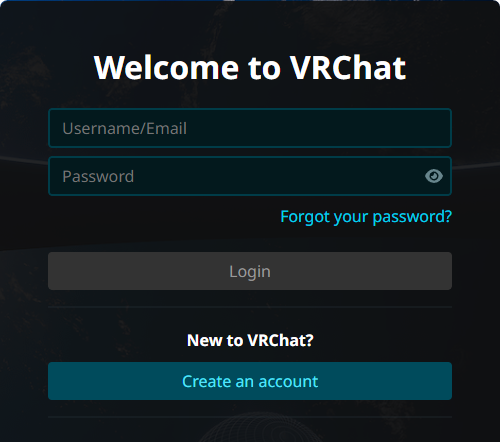
1 Sign In to the VRChat Website
Open VRChat in your browser and sign in to your account.
2 Launch VRChat
Start the VRChat client on your device and wait for it to load.
3 Click the instance link above and press "Invite Me"
Use the live instance button at the top of this page, then click "Invite Me" on VRChat.

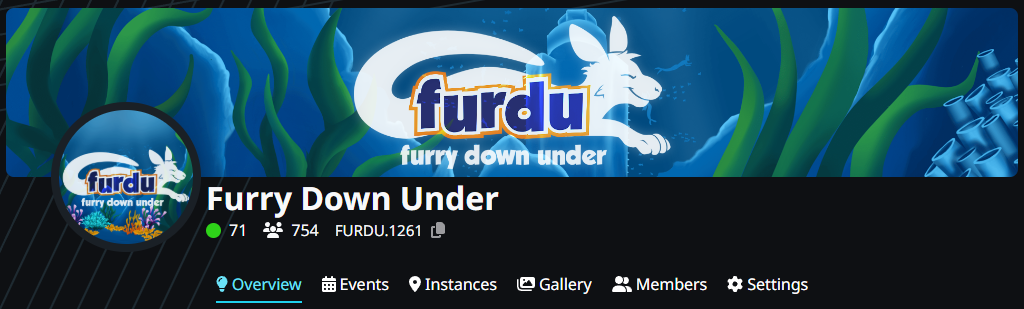
Alternatively, join via the group using the "Join the VRChat Group" button above.